
Iconography
Pulsar comes bundled with the Octicons 4.4.0 icon set. Use them to add icons to your packages.
Overview
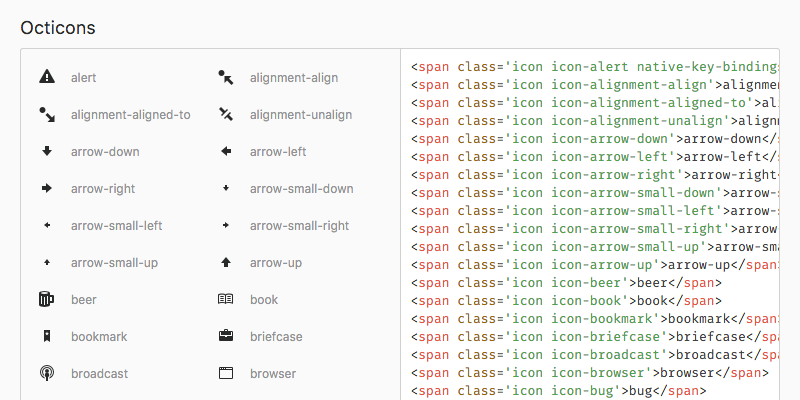
In the styleguide under the “Icons” section you’ll find all the Octicons that are available. Invoke the Styleguide: Show command in the command palette.
Usage
Octicons can be added with simple CSS classes in your markup. Prefix the icon names with icon icon-.
As an example, to add a monitor icon (device-desktop), use the icon icon-device-desktop classes:
<span class="icon icon-device-desktop"></span>Size
Octicons look best with a font-size of 16px — their default size. If you want a different size, try to use multiples of 16 (32px, 48px, etc.) for the sharpest result. Sizes in between are OK, too, but might not look quite as sharp.
Usability
Although an icon can make your UI visually appealing, when used without a text label, it can be hard to guess its meaning. In cases where space for a text label is insufficient, consider adding a tooltip that appears on hover via TooltipManager — an instance of which is always available at atom.tooltips.