Diagnosing font rendering issues
You can determine which fonts are being used to render a specific piece of text by using the developer tools. To open the developer tools, press Ctrl+Shift+IAlt+Cmd+I. Once the developer tools are open, click the "Elements" tab.
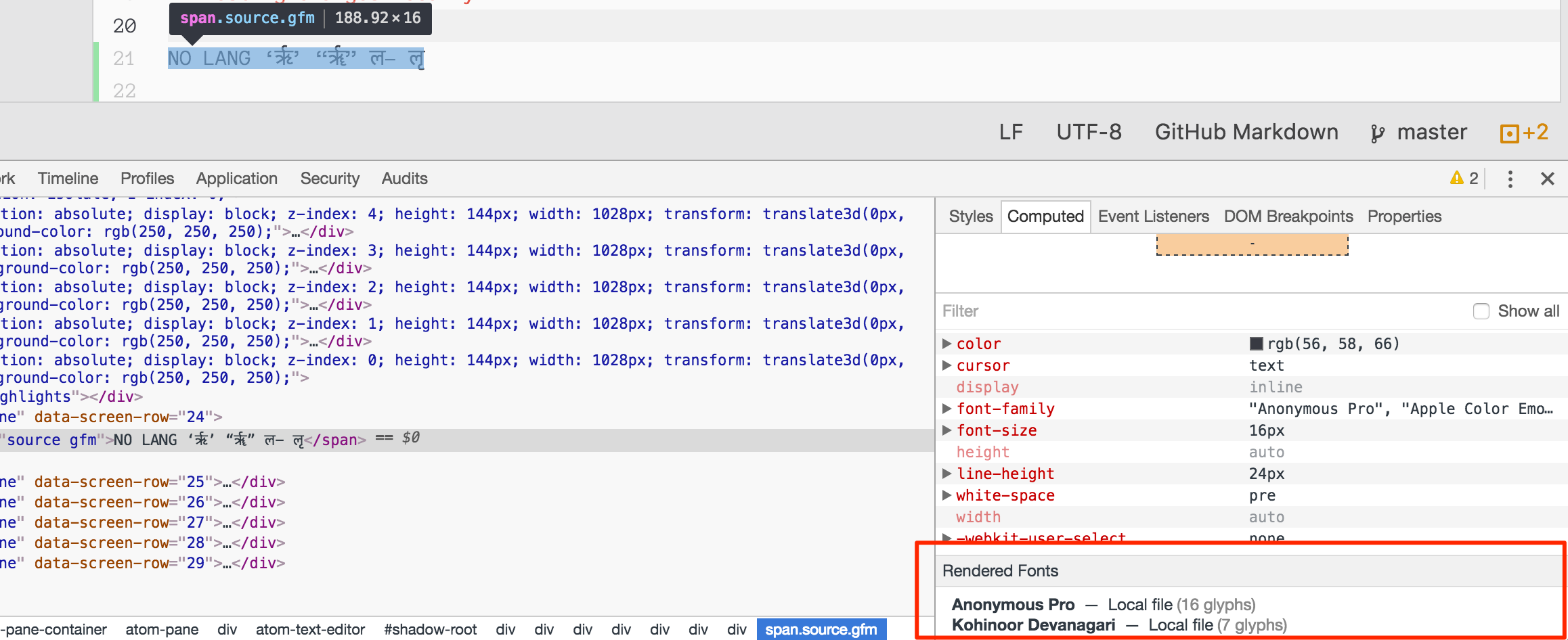
Use the standard tools for finding the element containing the text you want to check. Once you have selected the element, you can click the "Computed" tab in the styles pane and scroll to the bottom. The list of fonts being used will be shown there: