
Diagnosing startup performance
If Pulsar is taking a long time to start, you can use the timecop package to get insight into where Pulsar spends time while loading.
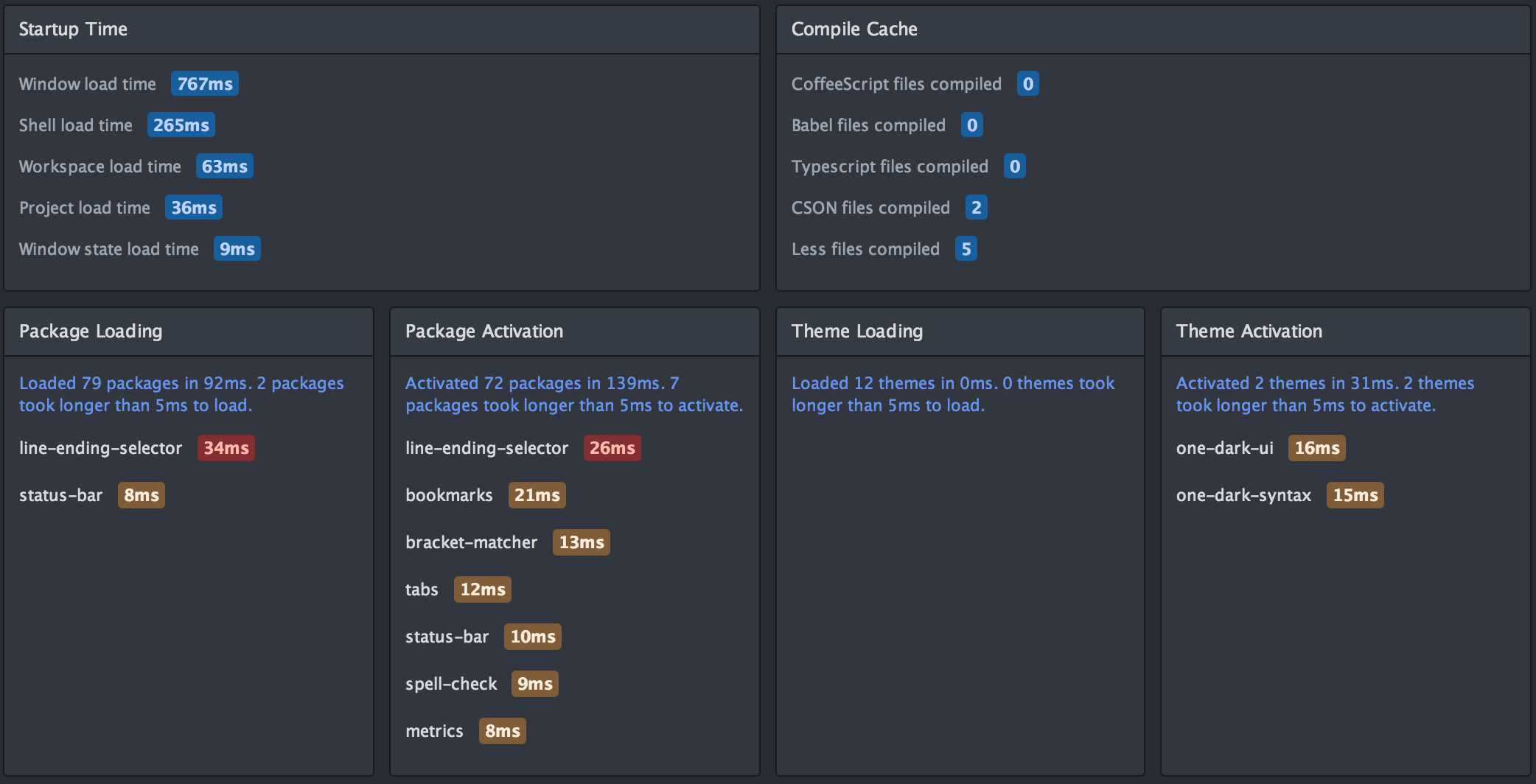
Timecop displays the following information:
- Pulsar startup times
- File compilation times
- Package loading and activation times
- Theme loading and activation times
If a specific package has high load or activation times, you might consider reporting an issue to the maintainers. You can also disable the package to potentially improve future startup times.
If there are features of Pulsar that you’ll never use, disable the packages that provide them!