
Autocomplete
If you’re still looking to save some typing time, Pulsar also ships with powerful autocompletion functionality.
The autocomplete system lets you view and insert possible completions in the editor using Tab or Enter.
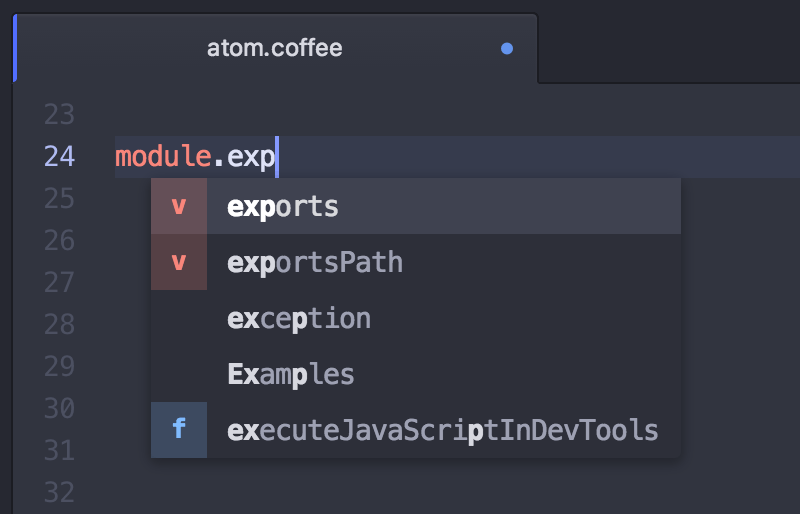
The simplest form of autocompletion will simply use words in the current file as completion candidates;
By default, the autocomplete system will look through the current open file for strings that match what you’re starting to type. But other packages can register themselves as providers of autocompletion data, thereby making autocompletion smarter.
The autocompletion interface is implemented in the autocomplete-plus package. Several other core packages are present so that they can provide intelligent contextual suggestions to autocomplete-plus:
- The core autocomplete-html package suggests tag names and attribute names.
- The core autocomplete-css package suggests tag names, CSS property names, and contextually relevant values for properties.
- The core autocomplete-snippets package suggests snippets whose prefixes match what has already been typed in the current word.
Community packages — in particular packages that wrap language servers — can also act as “brains” for autocompletion. Pulsar’s package registry can show you a list of packages that can supply data to autocomplete-plus.