
Previews
When writing prose in a markup language, it’s often useful to get an idea of what the content will look like when it’s rendered. Pulsar ships with a package for previewing Markdown.
- Ctrl+Shift+M - Toggle preview mode for Markdown (the Markdown Preview: Toggle command)
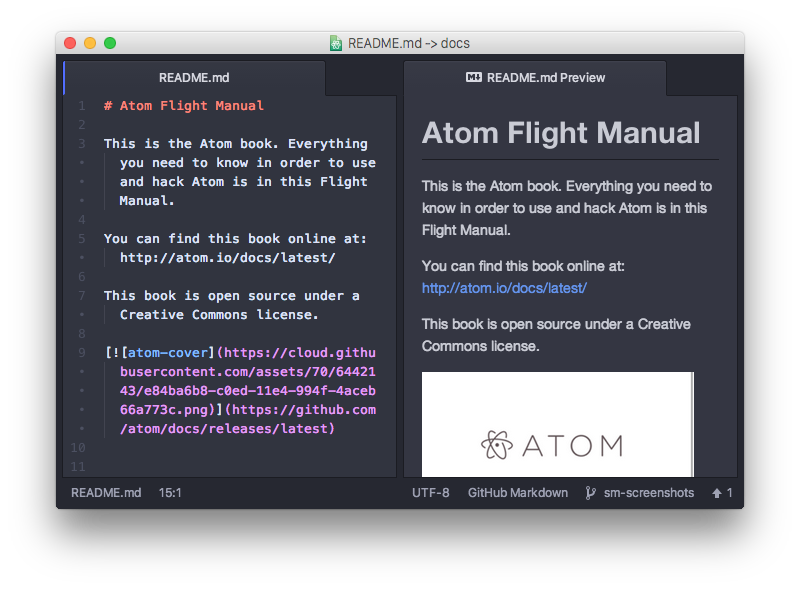
As you edit the text, the preview will also update automatically. This makes it fairly easy to check your syntax as you type.
You can also copy the rendered HTML from the preview pane into your system clipboard when the preview is focused: either press Ctrl+InsCtrl+C Cmd+C or right-click in the preview pane and choose Copy as HTML.
Markdown preview is implemented in the markdown-preview package. You can customize preview behavior on the package’s settings page.